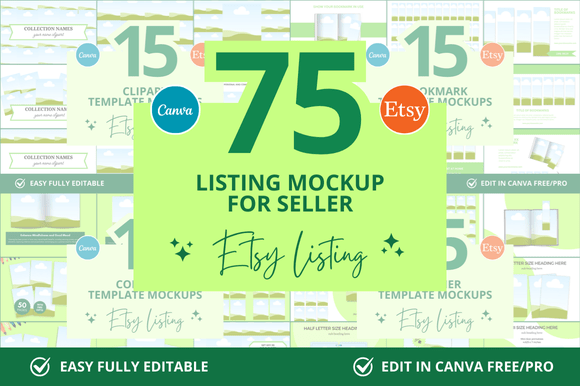
75 Pages Etsy Canva Mockup Bundle: Your Design Shortcut
Instant Professionalism for Your Digital Listings
You know the feeling. You’ve spent hours creating a beautiful digital product—a planner, a set of social media templates, a printable wall art collection. The content is perfect. Now comes the part that feels like a second job: creating the Etsy listing images. You need mockups that look clean, professional, and consistent across your entire shop. But finding the right assets, resizing everything, and ensuring a cohesive brand look can eat up your entire weekend. This is precisely the problem the 75 Pages Etsy Canva Mockup Bundle solves. It’s not just a collection of templates; it’s a system for presenting your work with immediate credibility.
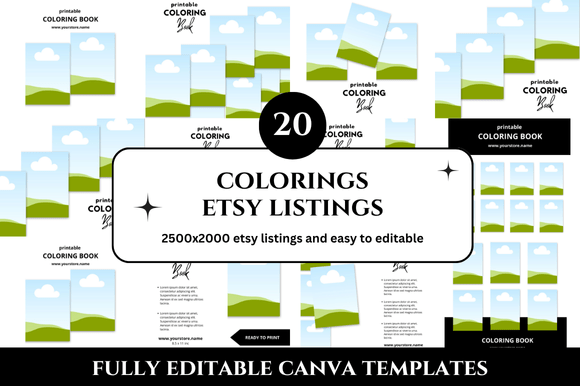
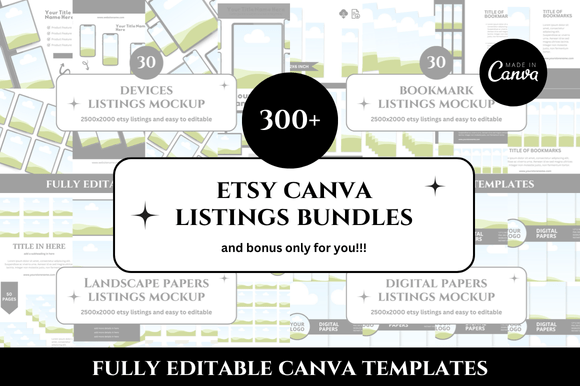
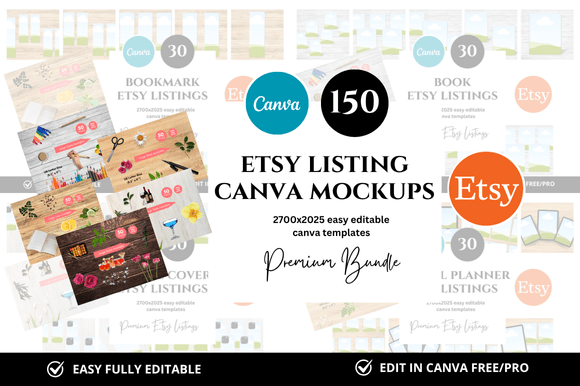
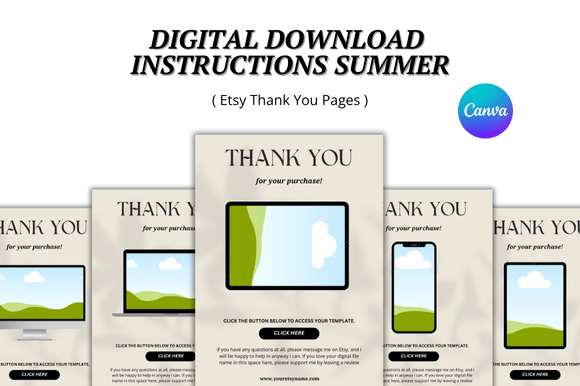
Think of these mockups as a digital studio for your products. Each of the 75 templates is sized at a generous 3000 x 2250 pixels, giving you a tall, detailed canvas that works perfectly for Etsy’s image carousel. The style is intentionally minimal and clean. You won’t find distracting textures or overly stylized backgrounds here. Instead, you get soft shadows, neutral color palettes, and elegant typography overlays that let your actual product design take center stage. This clean, professional aesthetic builds trust with potential buyers, signaling that your shop values quality and attention to detail—key components of a strong brand identity.
More Than Just a Pretty Picture: The Practical Power of Canva Templates
The real magic of this Etsy Canva Mockup Bundle lies in its integration with Canva. You’re not downloading static image files. You receive a direct link to a Canva template library, which means every single element is customizable. Change the background color to match your brand’s hex code. Swap out the placeholder text with your product’s title using any Canva font. Drag and drop your own product screenshots directly into the designated frames. This level of customization transforms a generic mockup into a true extension of your digital listings, ensuring visual consistency from your shop banner to your final listing image.
This bundle is a powerful design asset for a wide range of creators. If you sell Etsy printables, you can showcase your planners and journals in a lifestyle context that helps buyers visualize them in use. For those offering digital products like Canva templates or social media kits, these mockups provide a polished frame that elevates your offer beyond a simple screenshot. Bloggers and content creators can use them to present freebies or lead magnets in their Etsy shop with a level of professionalism that matches their main site. Even if you’re just starting your Etsy digital shop, this bundle helps you skip the amateur phase and launch with listings that look like they belong to an established seller.
Streamlining Your Workflow and Building a Cohesive Brand
Consistency is the silent engine of brand recognition. When a shopper scrolls through Etsy, your listings need to have a recognizable visual language that stops their thumb. The 75 Pages Etsy Canva Mockup Bundle facilitates this effortlessly. Because all 75 templates share a unified design language—similar lighting, spacing, and stylistic treatments—you can create a suite of listing images for multiple products that all look like they belong to the same family. This cohesion builds a professional shop aesthetic that improves visual hierarchy and makes your store appear more trustworthy and curated.
From a practical standpoint, this is about saving your most valuable resource: time. Instead of starting from a blank canvas for each new product, you have a library of 75 starting points. Need a square mockup for a social media promo? It’s in there. Need a tall, detailed view for your main listing image? Covered. The bonus freebies included add even more value, giving you additional elements to play with. This isn’t just about making one listing look good; it’s about creating a sustainable system for your entire Etsy shop that frees you up to focus on what you do best—creating amazing products.
Choosing the Right Mockup and Making It Your Own
With 75 options, it’s helpful to approach this bundle strategically. Start by identifying the core product types you sell. If you offer a variety of printable mockups, you might use the more lifestyle-oriented templates for those. For your digital listing templates or software products, the cleaner, screen-focused mockups will work best. Don’t be afraid to mix and match, but aim to select 5-10 core templates that will become the backbone of your shop’s visual identity.
Once you’ve chosen your favorites, the real customization begins. This is where you inject your brand’s personality. Use the text overlays not just for product titles, but for key benefits or calls to action. Choose a Canva font pairing that reflects your brand—perhaps a clean sans serif font for body text and a subtle display font for headlines. Adjust the colors to match your brand palette. The goal is to use the mockup as a professional foundation, but to make the final result unmistakably yours. Test how your customized mockup looks on both desktop and mobile Etsy views to ensure readability and impact at all sizes.
Ultimately, the 75 Pages Etsy Canva Mockup Bundle is more than a set of mockup templates; it’s a professional toolkit for the modern Etsy seller. It addresses the real-world challenge of creating compelling, consistent, and conversion-friendly listing images without requiring advanced graphic design skills or a huge budget. By providing a clean, adaptable framework and the ease of Canva’s editing platform, it empowers you to present your digital creations with the polish they deserve, building buyer confidence and helping your shop stand out in a crowded marketplace.